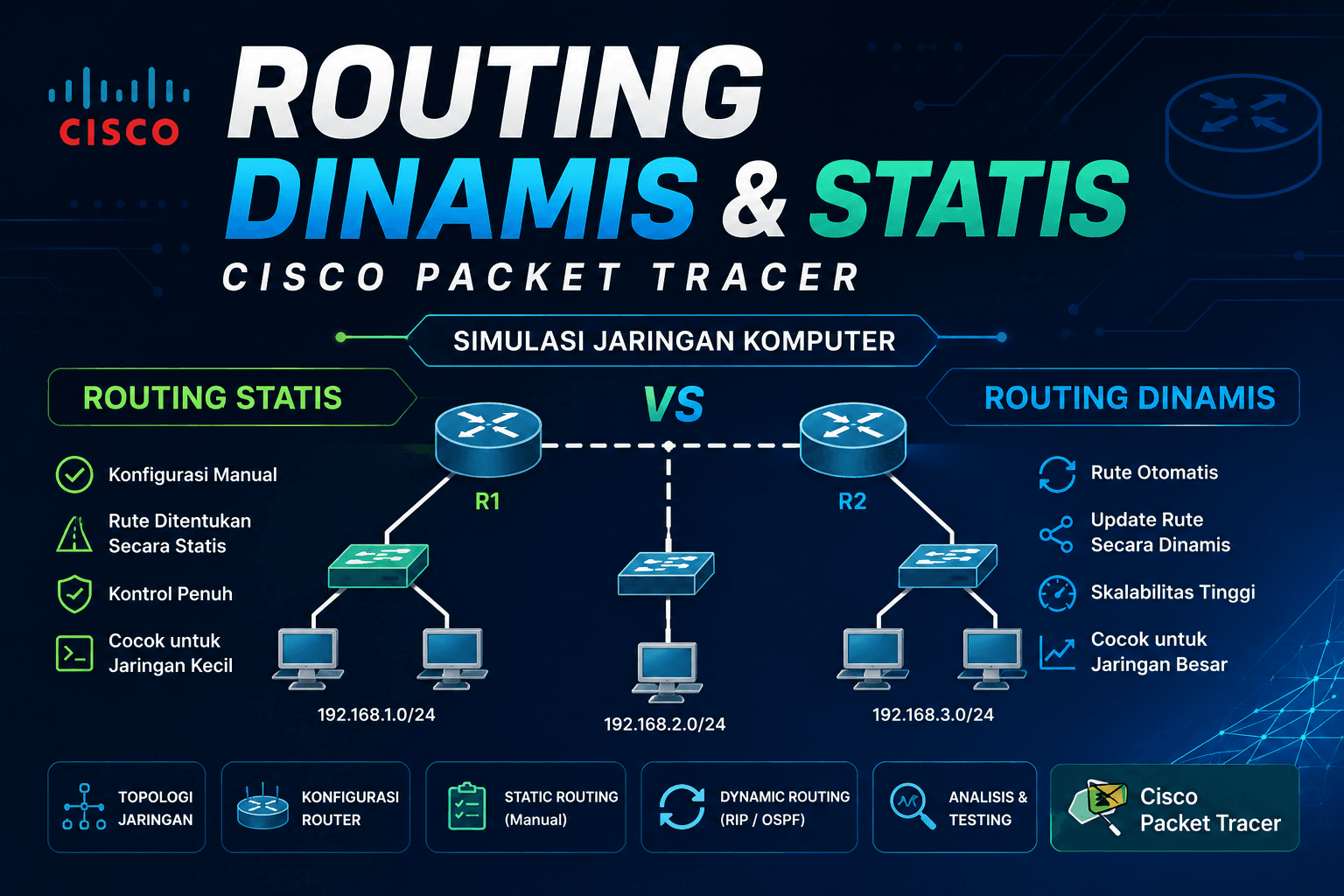
Simulasi Routing Dinamis dengan Cisco Packet Tracer
The Network Simulation Pipeline
┌──────────────┐     ┌──────────────┐     ┌──────────────┐
│   Topology   │     │   Routing    │     │   Testing    │
│   Design     │     │   Config     │     │              │
│              │     │              │     │              │
│ IP Addressing│────▶│ RIP / OSPF / │────▶│ ping &       │
│ Subnetting   │     │ EIGRP        │     │ tracert      │
│              │     │              │     │              │
│ Topology     │     │ Router &     │     │ 0% Packet    │
│ Design       │     │ Switch Setup │     │ Loss         │
└──────────────┘     └──────────────┘     └──────────────┘
Before any configuration, the first step is designing the network topology and IP addressing scheme for each scenario.
Scenario 1 — Office Network
Subnet HR     : 192.168.1.0/24
Subnet IT     : 192.168.2.0/24
Subnet Finance: 192.168.3.0/24

Router0 ──────── Switch0 ──────── PC-HR
   │
Router1 ──────── Switch1 ──────── PC-IT
   │
Router2 ──────── Switch2 ──────── PC-Finance
Scenario 2 — Internet Café Network
Subnet Client : 192.168.10.0/24
Gateway/ISP   : 192.168.20.0/24

Router ──────── Switch ──────── PC-Client-1
                        ├───── PC-Client-2
                        ├───── PC-Client-3
                        └───── PC-Client-N
Step 2: Routing Protocol Configuration
RIP v2 (Routing Information Protocol)
OSPF (Open Shortest Path First)
EIGRP (Enhanced Interior Gateway Routing Protocol)
Routing Protocol Comparison
Step 3: Cable Type Selection
PC       ──[Straight-Through]──▶ Switch
Switch   ──[Straight-Through]──▶ Router
Used for connecting similar types of devices:
Router   ──[Crossover]──▶ Router
PC       ──[Crossover]──▶ PC
Switch   ──[Crossover]──▶ Switch
| Cable Type | Used For | Example |
|------------|----------|---------|
| Straight-through | Different devices | PC ↔ Switch, Switch ↔ Router |
| Crossover | Same device type | Router ↔ Router, PC ↔ PC |
Step 4: Connectivity Testing
Tracert to Observe Routing Path
Optimization Tips for Network Simulation
1. Use OSPF for Scalable Networks
3. Implement VLAN for Traffic Segmentation
The journey from a blank topology to a fully connected multi-subnet network requires careful planning at every stage. Cisco Packet Tracer's simulation environment makes it possible to practice enterprise-grade networking on any laptop without physical hardware.
The key lesson from this project: protocol selection is everything. A wrong routing protocol choice that works on a 3-router lab will completely break on a 30-router production network. RIP is a great starting point, but OSPF and EIGRP are what real networks run on.