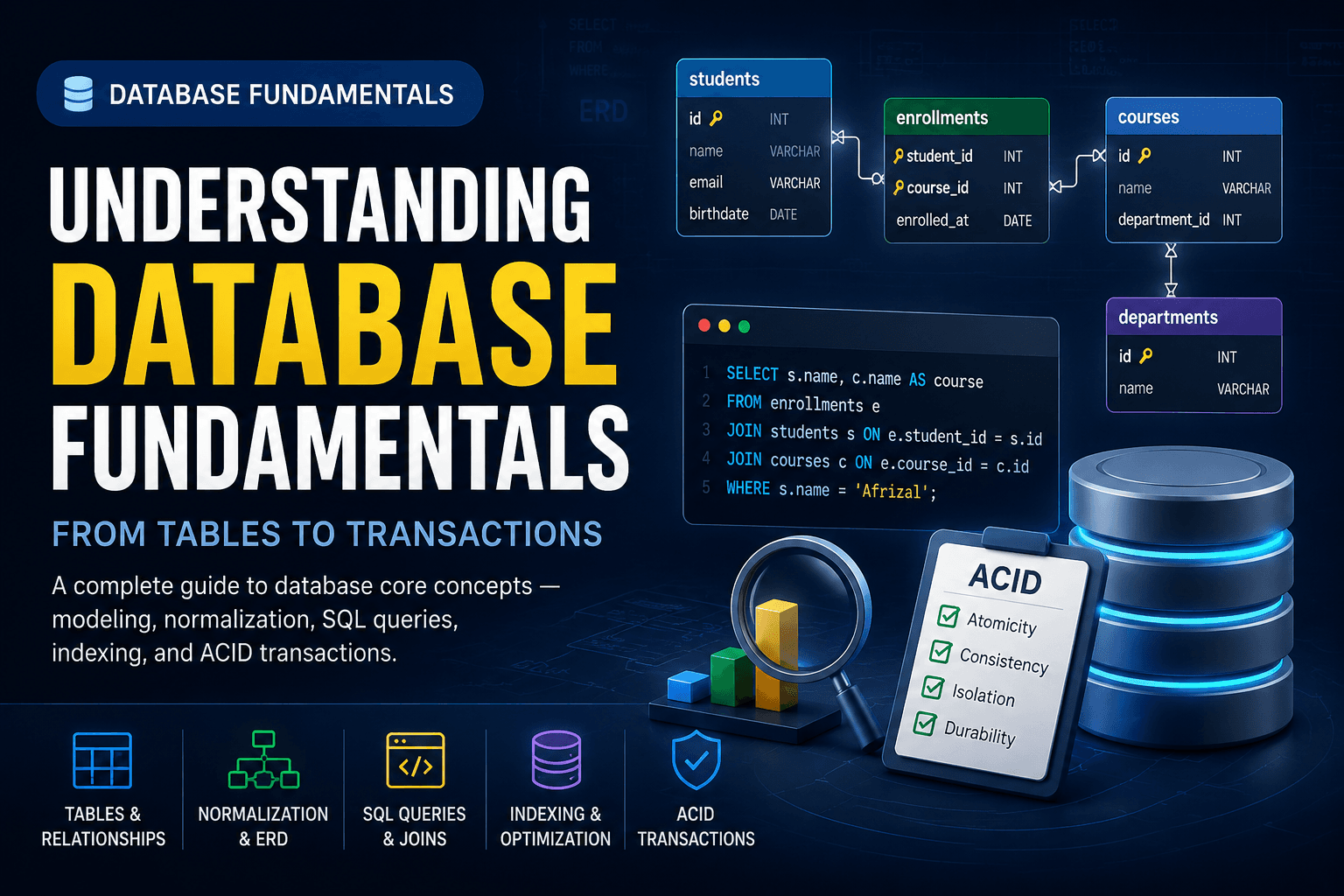
Overview
The Database Concept Pipeline
+----------------+     +----------------+     +----------------+
|    Data        |     |    Query       |     | Transaction    |
|   Modeling     |     |  & Retrieval   |     |  & Integrity   |
|                |     |                |     |                |
| Tables &       |---->| SQL SELECT /   |---->| ACID           |
| Relations      |     | JOIN / GROUP   |     | Properties     |
|                |     |                |     |                |
| Normalization  |     | Index &        |     | Concurrency    |
| ERD            |     | Optimization   |     | Control        |
+----------------+     +----------------+     +----------------+
Step One: Tables and Relationships
Basic Table Structure
Sql
Types of Relationships
One-to-One
  One student has one student card
  students -------- student_cards

One-to-Many
  One teacher teaches many students
  teachers -------- students
              |---- student_1
              |---- student_2
              |---- student_N

Many-to-Many
  Many students enroll in many courses
  students ---- enrollments ---- courses
Implementing Relationships with Foreign Keys
Sql
Step Two: Normalization
Before Normalization (Unnormalized)
order_id | customer | email          | products
---------|----------|----------------|------------------
1        | Afrizal  | a@mail.com     | Laptop, Mouse
2        | Afrizal  | a@mail.com     | Keyboard
3        | Budi     | b@mail.com     | Monitor, Mouse

Problems: duplicate customer data, multiple values in one column
After Normalization (Third Normal Form)
Sql
Normal Form Comparison
Step Three: SQL Queries
Basic CRUD Operations
Sql
JOIN — Combining Tables
Sql
Aggregation
Sql
Step Four: Indexing and Query Optimization
Creating Indexes
Sql
Query Performance Comparison
Using EXPLAIN to Analyze Queries
Sql
Step Five: ACID Transactions
A — Atomicity    : All operations succeed, or none of them do
C — Consistency  : Data always moves from one valid state to another
I — Isolation    : Concurrent transactions do not interfere with each other
D — Durability   : Committed data survives system crashes
Transaction Example
Sql
Optimization Tips for Database Design
Choose the Right Data Types
Sql
Avoid the N+1 Query Problem
Sql
Use Connection Pooling
Python